Create your first project
A project groups related scientific work under a shared goal — for example, a strain engineering effort, an experimental series, or a method‑development study. Projects do not hold scientific data directly; they act as structured containers for repositories, where your strain, construct, or experiment histories are tracked.
Projects help you organise work as it evolves. Typical use cases include:
- Engineering or modifying a strain
- Recording experimental runs or assay development
- Coordinating a larger research direction involving multiple collaborators
Setting up a project early keeps your workspace structured and clear as your data grows.A project is how you group related biological work in CellRepo.
Watch a short video showing how to create a project and what it looks like once it’s set up.
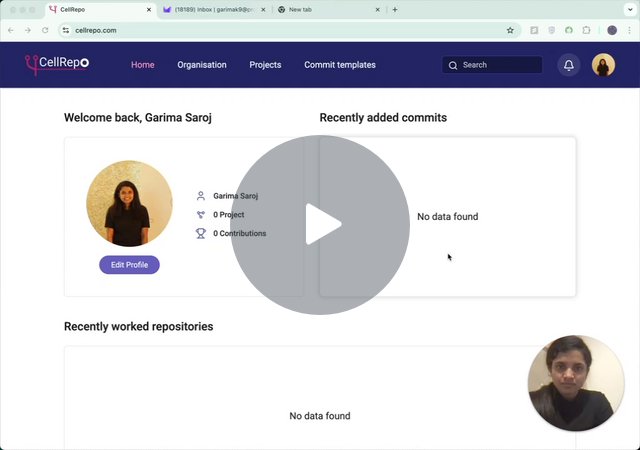
Creating a Project
Step 1 - Go to the Projects Page
Navigate to Projects in the main menu. This page lists every project you can access, whether personal or organisational.
Step 2 - Click “Create project”
A short form will appear prompting you for basic information.
Step 3 - Fill in the Form
You’ll be asked to provide:
-
Project Name
-
Use a clear, descriptive name that reflects the scientific goal.
-
Many organisations adopt naming conventions (e.g., 2026‑Q1 CRISPR screen, SmithLab‑K.phaffii‑Lineage1).
-
Project Visibility (You can change this later if needed.)
-
Private workspace, only visible to you or select members
-
Organisation - visible to entire organisation you belong to
-
Invite Users
-
Individual users outside of or within your organisation
- Entire labs (if your organisation uses labs)
How to add them correctly
- Type the email address of the users or labs you want to add
- Indicate what access they should have (admin, member, viewer)
- Click the red “Add” button
- Confirm that they now appear in the user list below (If they do not appear in the user list, they will not be added to the project. Access can be edited later.)
Step 4. Finalise Project Creation
Click Create project.
You’ll be taken to the new project page. At this stage:
- The project exists
- It contains no repositories yet
- Nothing is shared beyond your selected users or labs
This is expected — your next step is adding repositories.
What to Do Next
A project becomes useful once it contains repositories representing real biological assets.
Proceed to Create your first repository.
Getting help
If you’re unsure how to structure your project, you can always contact us: