Create or join an organisation
In CellRepo, an organisation represents a real group — a lab, institute, or company — working together on shared biological assets.
You only need an organisation if your work involves collaboration or if ownership should belong to a group rather than an individual.
Solo users can skip this entirely. You can only belong to one organisation at a time.
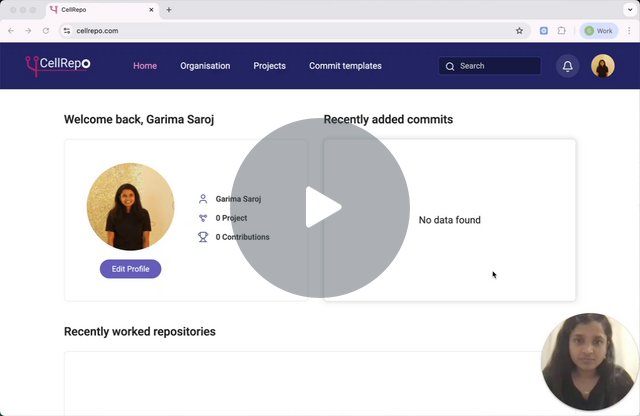
Watch a short video showing how organisations, labs, and visibility work in CellRepo.
Finding Your Organisation
If you do not yet belong to an organisation, opening the Organisation tab in the navigation will show two options:
- Find an organisation
- Create an organisation
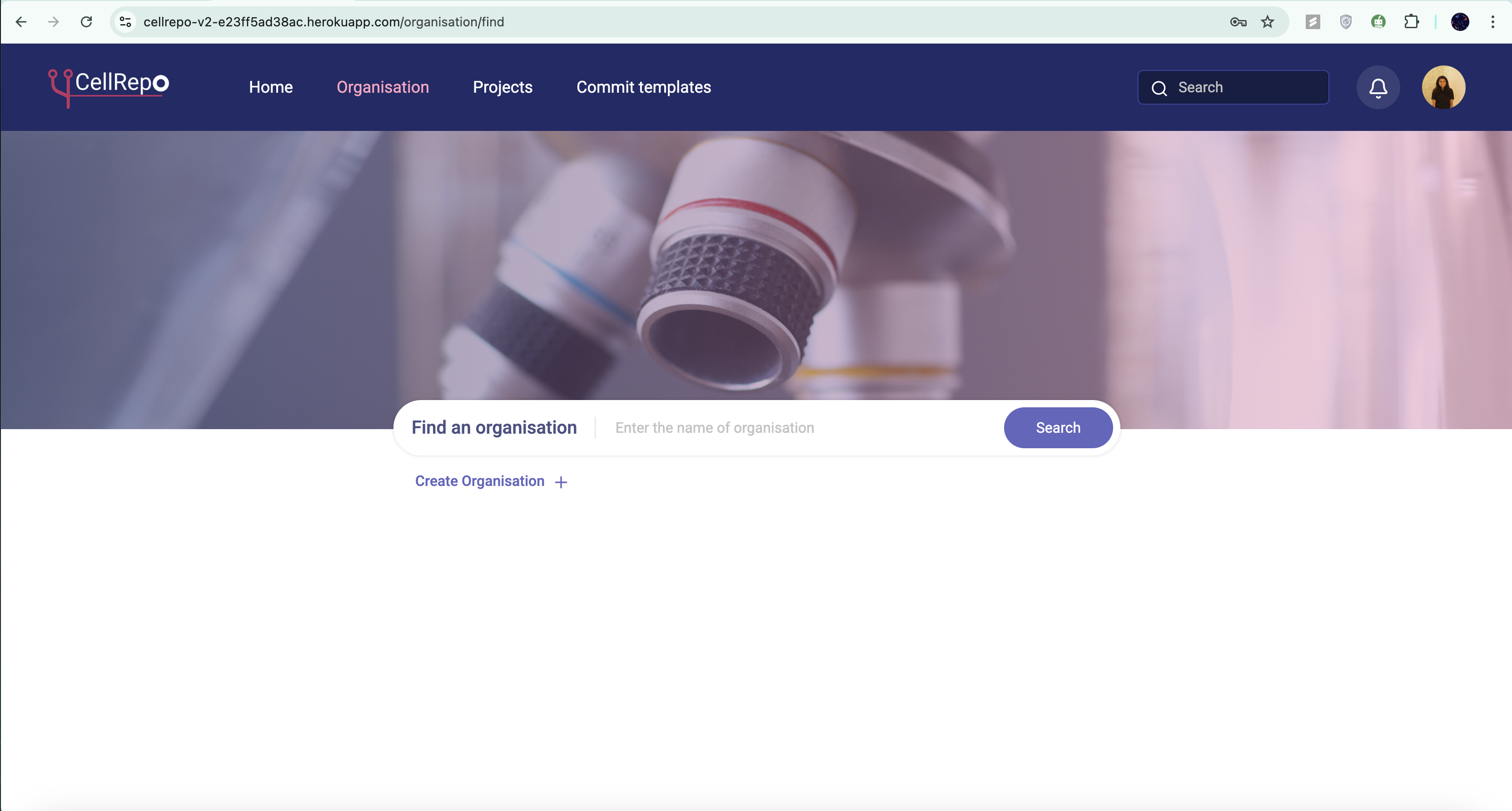
The directory includes:
- Active CellRepo organisations
- Entries from the Research Organisation Registry (ROR)
Start by searching for your organisation in the directory. If it doesn’t appear:
- Check spelling variations (full name, department, institute name)
If still not found, you can create a new organisation
Joining an Existing Organisation
If your organisation appears in the directory:
- Active organisations are marked green with an “Active” label
- You will see an option to Request to join
When you request access:
- CellRepo sends an email to the organisation owner
- The owner approves or declines
- Once approved, you receive a confirmation email granting access
- The organisation will then appear in your workspace, along with any projects you’re permitted to see
This ensures controlled onboarding and secure project access management.
Creating a New Organisation
If your organisation isn’t listed (or is not active on CellRepo yet), you can create it manually.
How to create an organisation:
- Click Create organisation in the Organisations page
- Enter the organisation details (you can revise this later)
- Confirm to create the organisation
After creation:
- You automatically become the owner
- The organisation becomes visible in your workspace
- You can immediately start creating projects under it
- You can invite other members or other members can request to join, and you approve or deny requests
Editing, Ownership Transfer, Leaving & Deletion
Owners have full administrative control:
- Edit organisation details at any time (including member access)
- Transfer ownership to another member later
- Leave the organisation if you no longer need access
- Delete the organisation entirely if it is no longer required (Only owners can delete an organisation, and only if no conflicting dependencies remain)
These controls support long‑term continuity even as team membership evolves.
Labs in CellRepo
Labs are an optional way to organise people within an organisation. They help structure large teams but do not control access to scientific data. All permissions remain at the project and repository level.
What Labs Are For
Use labs when you want to:
- Reflect how your real‑world teams or research groups are structured
- Group members by PI, department, focus area, or project stream
- Keep large organisations tidy and easier to navigate
Small teams can ignore labs entirely. They are not required. They do not determine project visibility or access.
Roles Within a Lab
Labs have two lightweight role types:
- Managers – manage lab membership
- Members – regular participants
These roles only affect lab administration, not data access.
How to Create a Lab
To set up a lab:
- Open your Organisation
- Go to Labs
- Click Create lab
- Enter a name and confirm
Adding members is optional during creation and can be done later.
Managing Labs
Once a lab exists, you can:
- Rename it
- Add or remove members
- Change lab managers
Labs can be restructured at any time as teams grow or reorganise
If you’re unsure which organisation to join or whether yours already exists, contact your internal team or reach out to support. support@cellrepo.com