After logging in
Once you’ve logged into CellRepo and completed two‑factor authentication, you’ll land on your dashboard — your personal entry point into projects, repositories, and organisational workspaces.
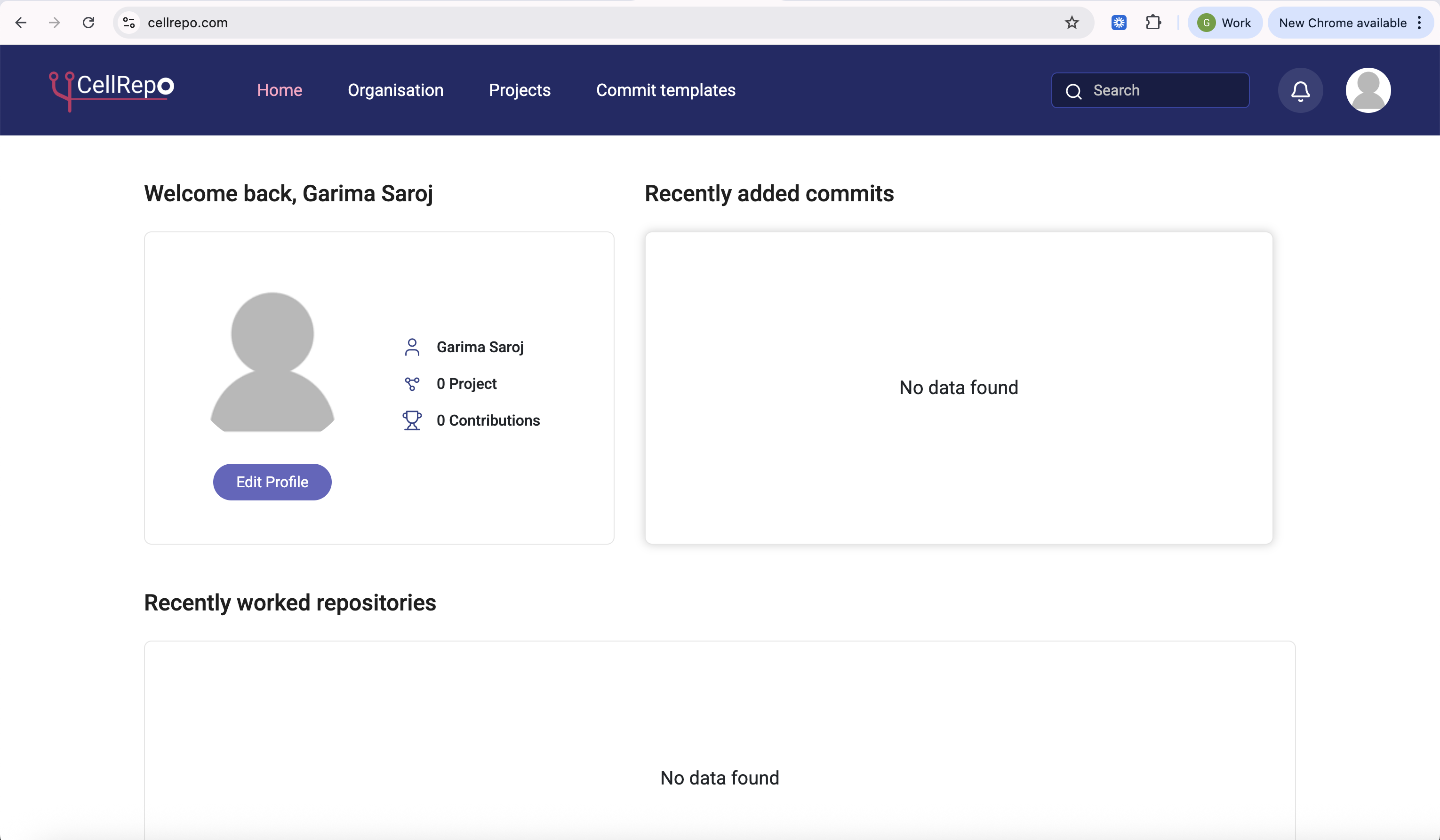
What you see depends on whether you’re working alone or as part of a lab or company.
If working solo:
- Your dashboard may look minimal or empty — this is normal.
- You won’t see any projects or repositories.
- Nothing is automatically shared with others.
From here, your next steps typically are:
- Create your first project
- Start tracking a strain or experimental asset
- Work privately, publicly invite select people to collaborate with
If working in a lab or organisation:
If you plan to collaborate, your next step is usually to create or join an organisation. Organisations let you:
- Bring people together
- Group scientific work under shared projects
- Control access at the project/repository level
- Maintain continuity even when team members rotate
High‑level structure in CellRepo
Organisation → represents a lab, institution, or company
Project → scientific goal or study
Commit Templates → structured forms to standardize data entry
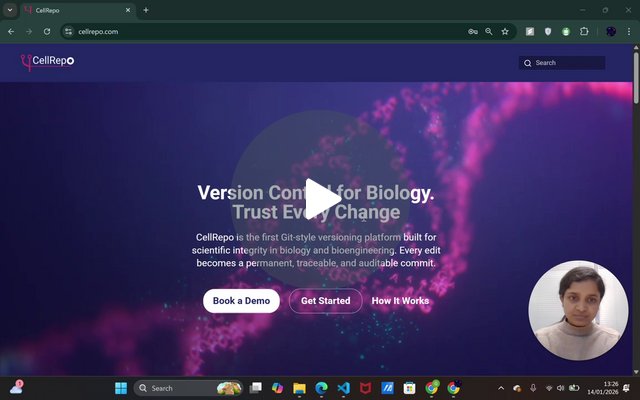
A short video is available showing the dashboard layout and how to navigate after your first login.
Next step for most users: Create your first project.
For onboarding issues: support@cellrepo.com